Create rules to hide, disable, customize, or replace your Add to Cart button — based on user role, login status, product, category, cart total, country, and more.
"The conditional flexibility of this plugin allows for this and lots of other scenarios. Great plugin – works well and would recommend it."
Powerful features to control your Add to Cart button with precision
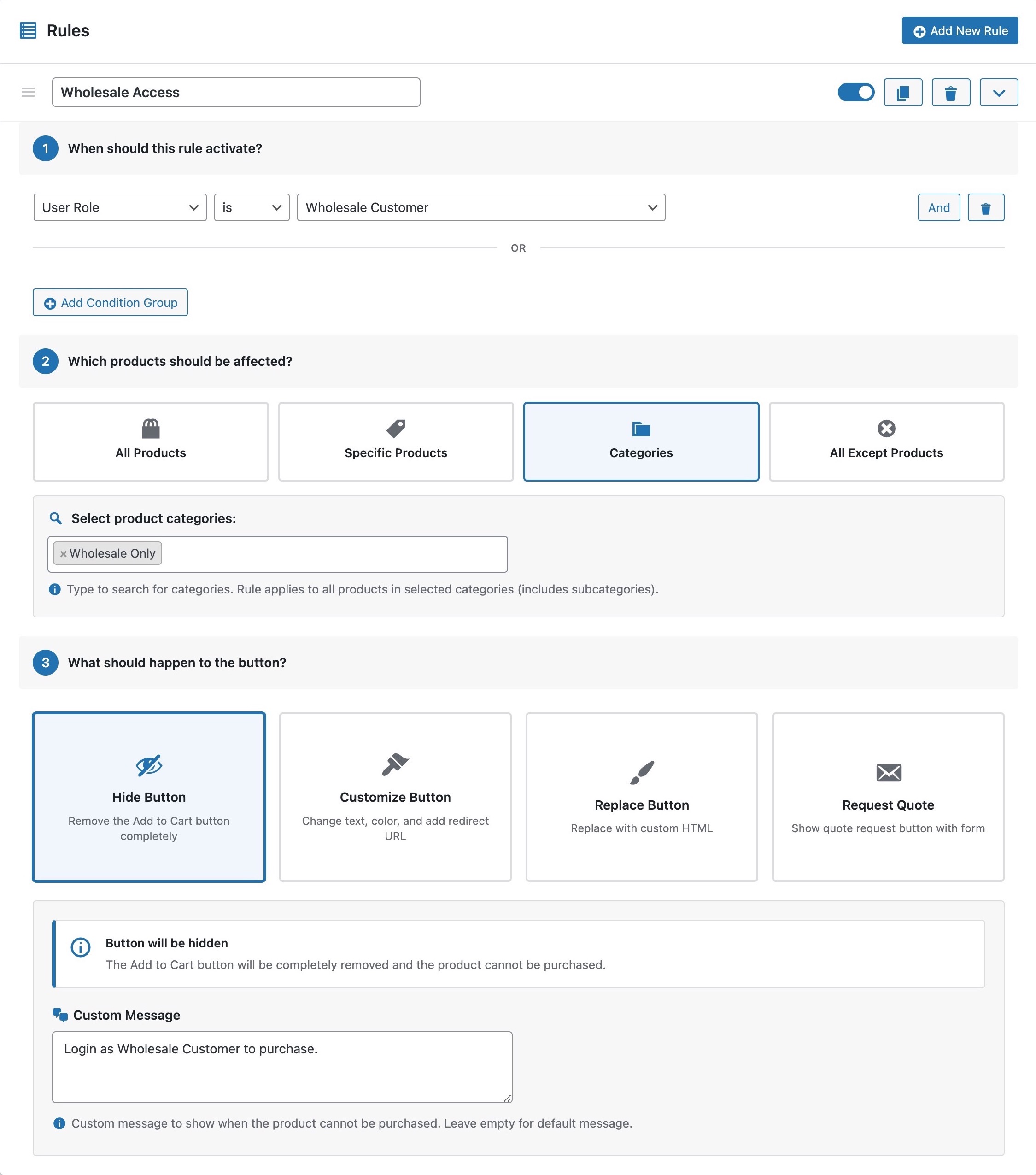
Set rules based on products, categories, cart content, user roles, and more.
Hide button, change text, redirect, or show a quote form when conditions match.
Create as many rules as you need with Pro. No restrictions or limitations.
Full support for variable products and individual product variations.
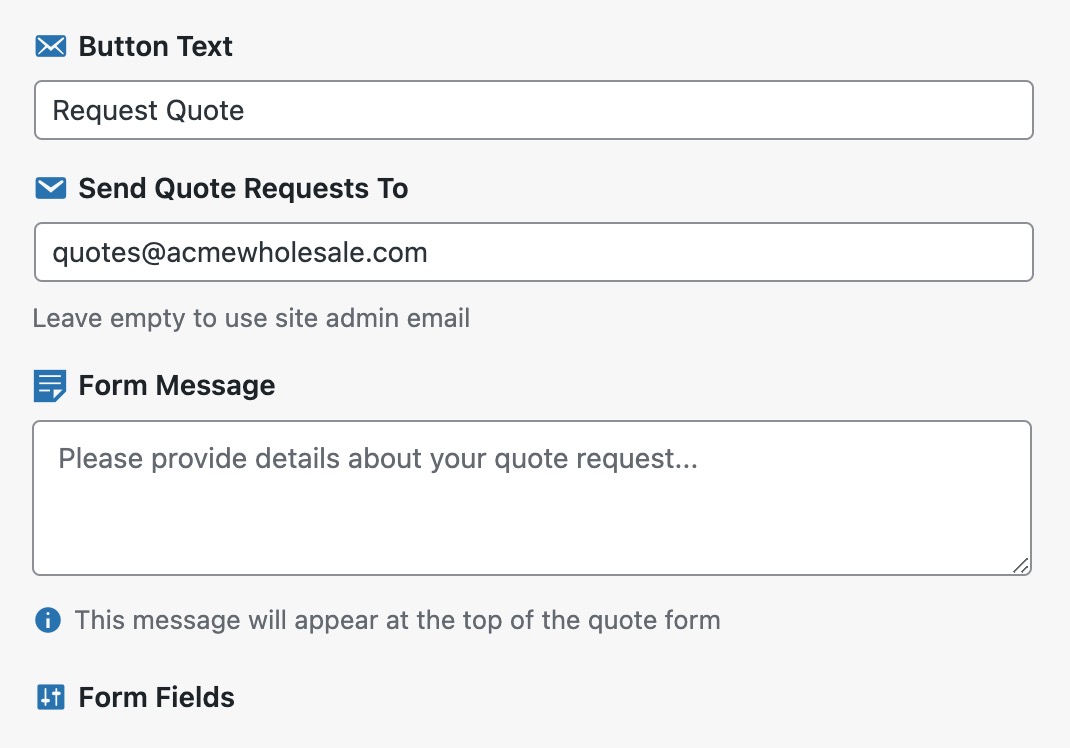
Replace Add to Cart with a professional quote request form for B2B.
A continuously expanding set of conditions and actions for maximum control.
Powerful conditions to target exactly when and where your rules apply. Mix and match to create the perfect logic for your store.
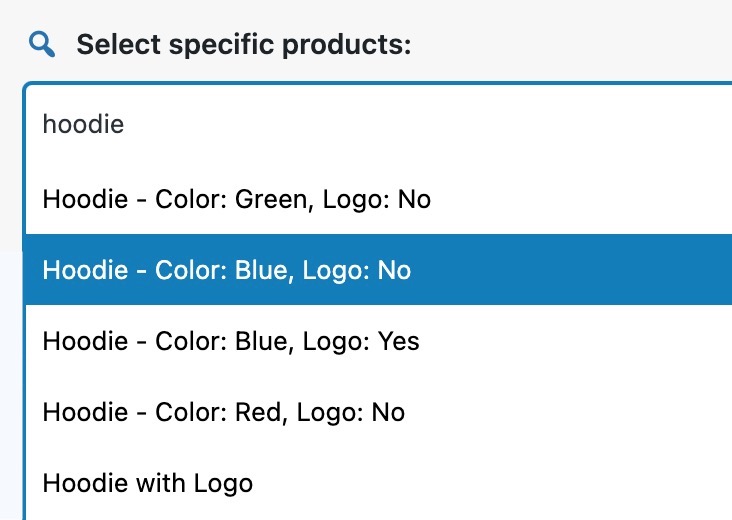
Target one or more individual products
Apply rules to entire categories at once
Match products by their assigned tags
Trigger rules based on price range (above, below, between)
React to in stock, out of stock, or on backorder
Check if a product currently has a sale price
Match products by color, size, or any custom attribute
Check if a specific product is already in the cart
Trigger based on total number of items in the cart
Match cart subtotal before taxes and shipping
Match the final cart total including taxes
Check if cart has products from a specific category
Target admins, subscribers, wholesale customers, etc.
Differentiate between logged-in users and guests
Restrict or allow purchasing by geographic location
Set business hours or recurring daily time windows
Schedule rules for specific dates, flash sales, or seasonal events
Apply rules only on specific weekdays (e.g., weekends only)
When your conditions match, choose what happens to the Add to Cart button.
Optionally hide the price and replace with custom text or a link
See what our users say
"Works first time. Flexible and simple!"
"Looked for a plugin that would allow products to only be available to buy IF the user was in a certain “role” AND they were “logged in”. The conditional flexibility of the this plugin allows for this and lots of other scenarios. Great plugin – works well and would recommend it."
"The plugin was almost what we searched for. Nabil helped us to get the plugin customized to our needs. and expanded the possibilities of the plugin even matching our used WordPress Theme! Thanks for the support and incredible plugin!"
Go Pro with Confidence — 30-Day Money-Back Guarantee
Great for getting started
For store owners
For agencies & developers
Everything you need to know
Free version gives you 1 rule with 10 conditions and 3 actions (Disable, Customize, Replace). Pro removes all limitations:
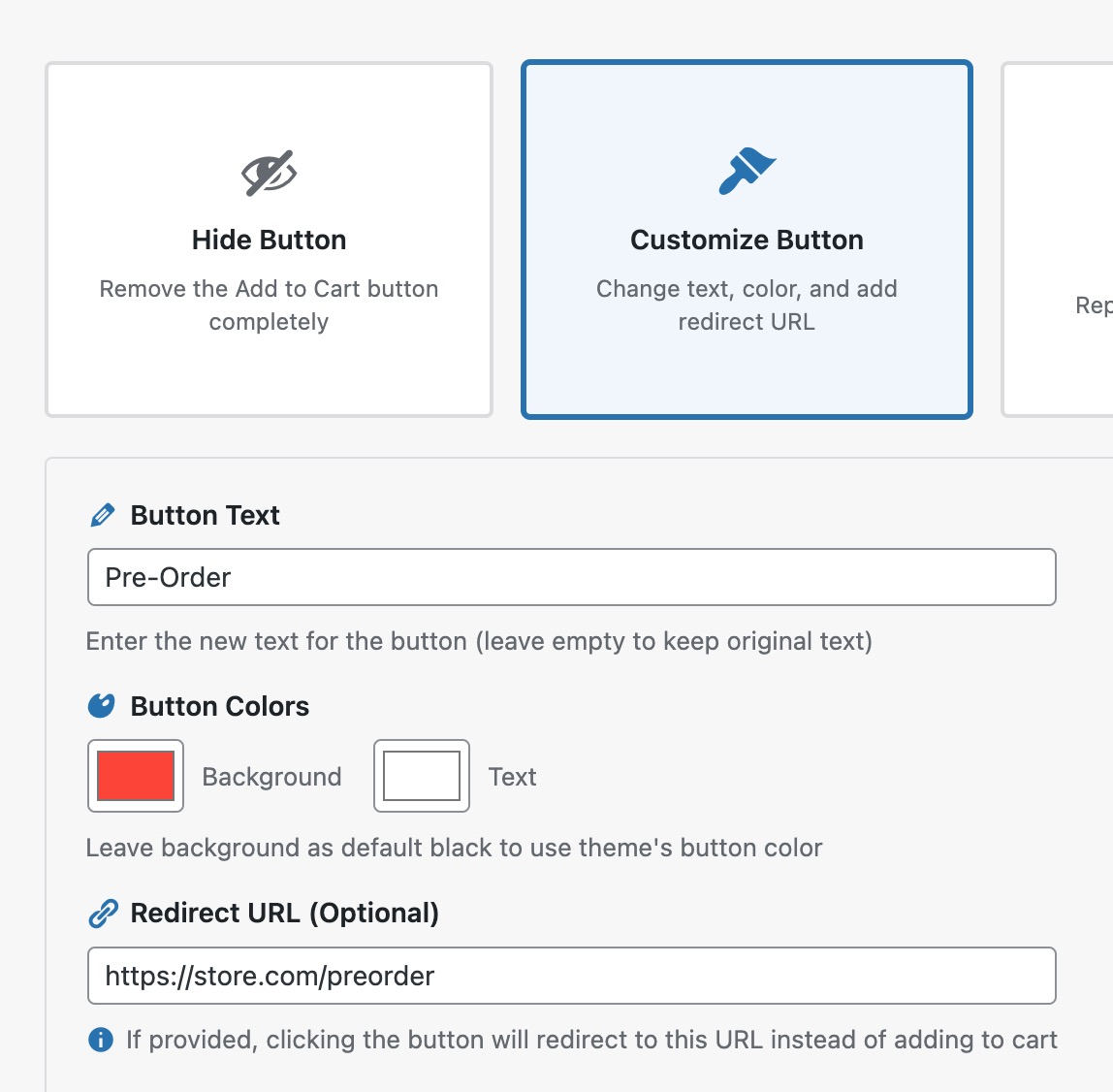
Free includes 3 actions: Disable Purchase (disable the button), Customize Button (change text and colors), and Replace Button (show custom HTML or shortcodes). Pro adds the Request Quote action with a built-in form and email notifications, plus redirect URLs for the Customize Button action.
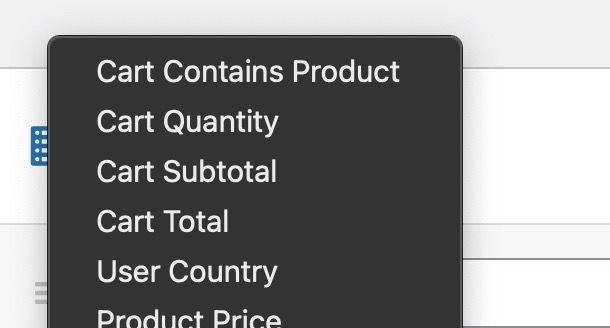
The free version includes 10 conditions: Product Price, Stock Status, Cart Contains Product, Cart Quantity, Cart Subtotal, Cart Total, User Role, Login Status, User Country, and Day of Week.
Pro adds 5 more: Product on Sale, Cart Contains Category, Time (daily recurring windows), Date/Time (specific dates), and Day of Week scheduling. We regularly add new conditions based on customer needs.
Yes! You can combine multiple conditions using AND/OR logic. Within a condition group, ALL conditions must be true (AND). You can add multiple condition groups where ANY group can be true (OR).
Yes! Pro version fully supports variable products. You can apply rules to the entire variable product or target specific variations.
The Quote action replaces the Add to Cart button with a "Request Quote" button. When clicked, a modal form appears collecting customer details. Submissions are emailed to you.
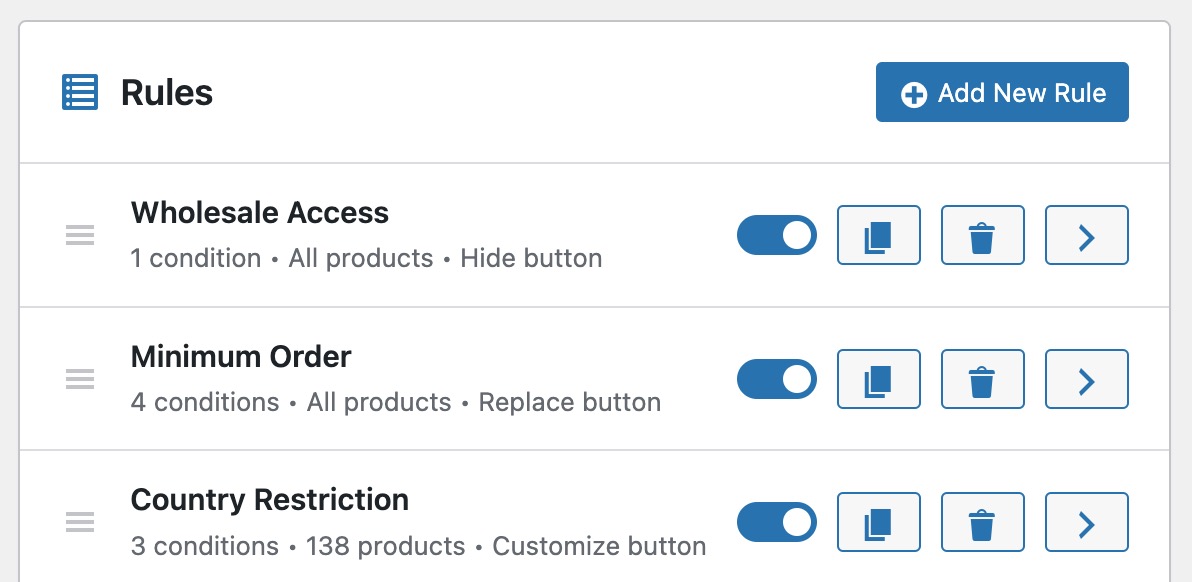
With Pro's unlimited rules, rules are evaluated from top to bottom and the first matching rule wins. You can drag and drop rules to control their priority order.
Yes! The plugin uses standard WooCommerce hooks, so it works with all WooCommerce-compatible themes and page builders. No theme modifications needed.
No. The plugin is lightweight and optimized for performance. Rules are evaluated only on product pages, and the code is minified and cached.
Free users get community support via WordPress.org forums. Pro users get priority email support with faster response times.
Yes! Simply purchase a Pro license and activate it. Your existing rules will continue to work, and you'll immediately unlock all Pro features.
The plugin keeps working — your rules stay active and your store is unaffected. You just won't receive future updates or have access to email support until you renew. If you're on a stable version and don't need new features, there's no rush.
You can cancel in two ways: visit paddle.net and manage your subscription there, or email us at support@condicart.com and we'll cancel it for you. You'll receive a reminder email 7 days before each renewal date so you have time to cancel if needed. After cancellation, the plugin keeps working until the end of your current billing period.
Yes! We offer a 30-day money-back guarantee. If you're not satisfied, contact us within 30 days for a full refund.
Get plugin tips, new features, and exclusive offers delivered to your inbox.